



What Exactly Is Microsoft Copilot?
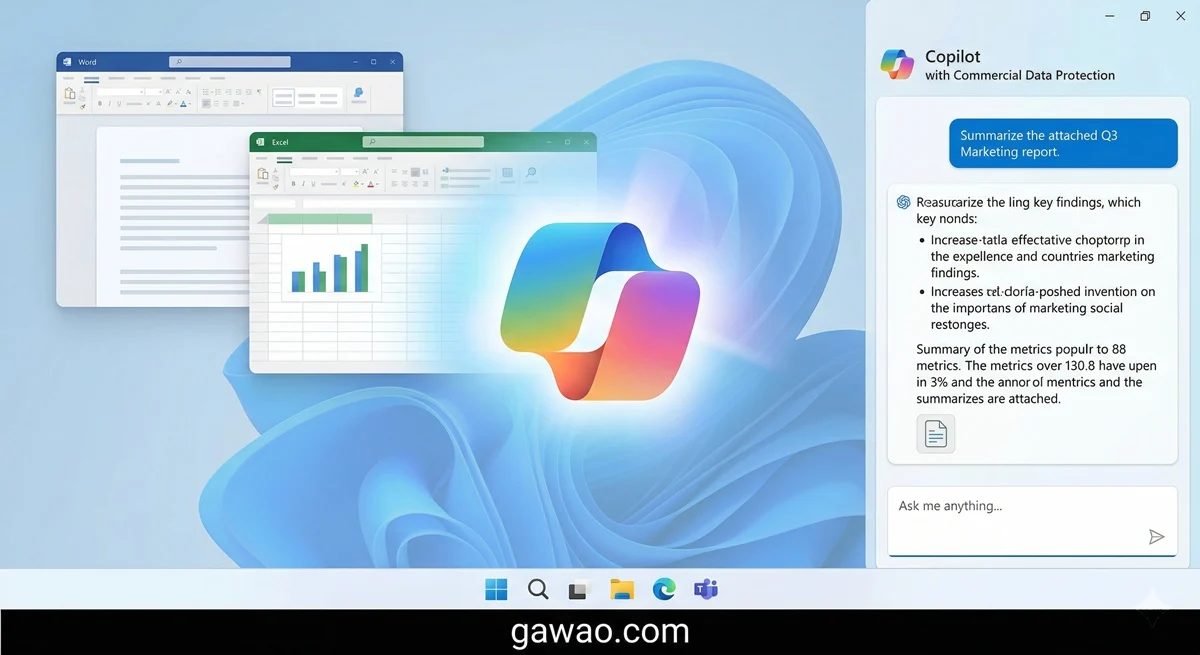
If you use Windows or Microsoft 365, you already have Microsoft Copilot on your device. You just might not know it yet.
Microsoft Copilot is an AI assistant that Microsoft built using OpenAI’s technology (the same company behind ChatGPT) and baked it into every Microsoft product. It’s in Windows 11, Microsoft Edge, Word, Excel, PowerPoint, Outlook, and Teams.
In simple terms: Copilot is ChatGPT integrated directly into Microsoft applications so it works seamlessly alongside the tools you already use.
The Copilot Pricing Confusion Explained
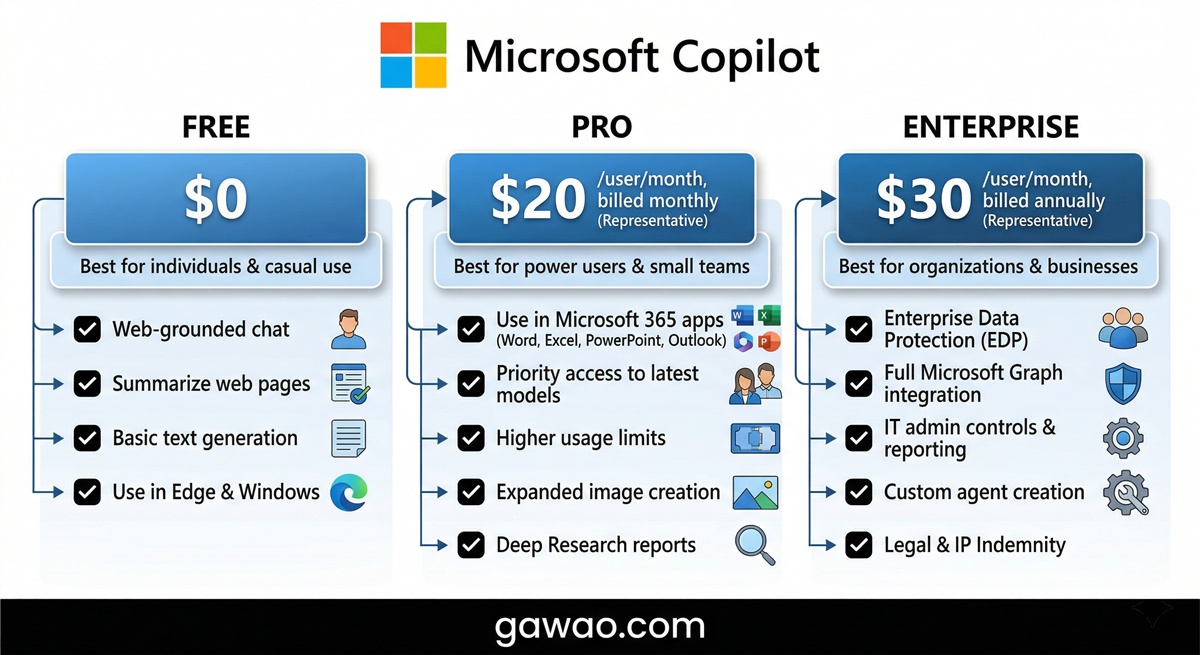
Microsoft offers several flavors of Copilot, which causes a lot of confusion. Here’s the clear breakdown:
| Version | Price | Available In |
|---|---|---|
| Copilot (Free) | Free | copilot.microsoft.com, Windows 11, Edge |
| Copilot Pro | $20/month | Word, Excel, PowerPoint, Outlook |
| Microsoft 365 Copilot | $30/user/month (Enterprise) | Teams, SharePoint, all M365 apps |
| Copilot+ PC | Buy new PC | On-device AI features like Recall |
✅ The short version: You can use Copilot for free via copilot.microsoft.com and in Windows 11 without paying extra. To use it in Word and Excel, you need a Copilot Pro subscription.
How to Enable and Use Free Copilot on Windows 11
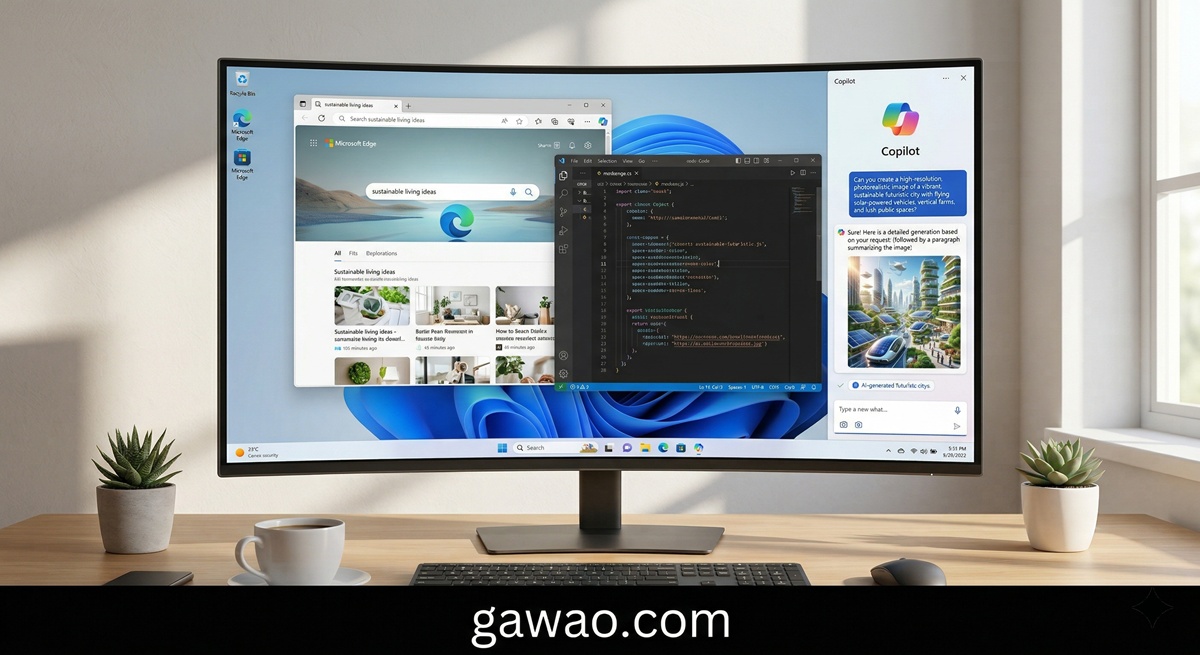
If you’re already running Windows 11, Copilot is already installed. You just need to activate it.
Method 1: Click the Taskbar Button Look for the Copilot icon (a blue circle with a star) in the taskbar at the bottom right. Click it.
Method 2: Use Keyboard Shortcut Press Windows + C anytime to open Copilot.
Method 3: Through Microsoft Edge Open Microsoft Edge and click the Copilot icon in the top-right corner.
If you don’t see the Copilot icon on your taskbar, right-click the taskbar, select “Taskbar settings,” and toggle Copilot on.
What Can Free Copilot Actually Do?
The free version uses OpenAI’s GPT-4 model and can handle quite a lot:
Ask and Search:
- Answer general questions with citations
- Search the internet for current information in real-time (no extra setup required)
Writing and Content Creation:
- Draft emails, articles, and social media posts
- Summarize text you paste in
- Rewrite content in different styles or tones
Image Analysis:
- View and describe images you upload
- Answer questions about what’s in a picture
Image Generation:
- Create pictures from text prompts using DALL-E (free, but limited daily)
Copilot in Word and Excel (Requires Copilot Pro)
This is where people want Copilot most — but it requires a Copilot Pro subscription ($20/month).
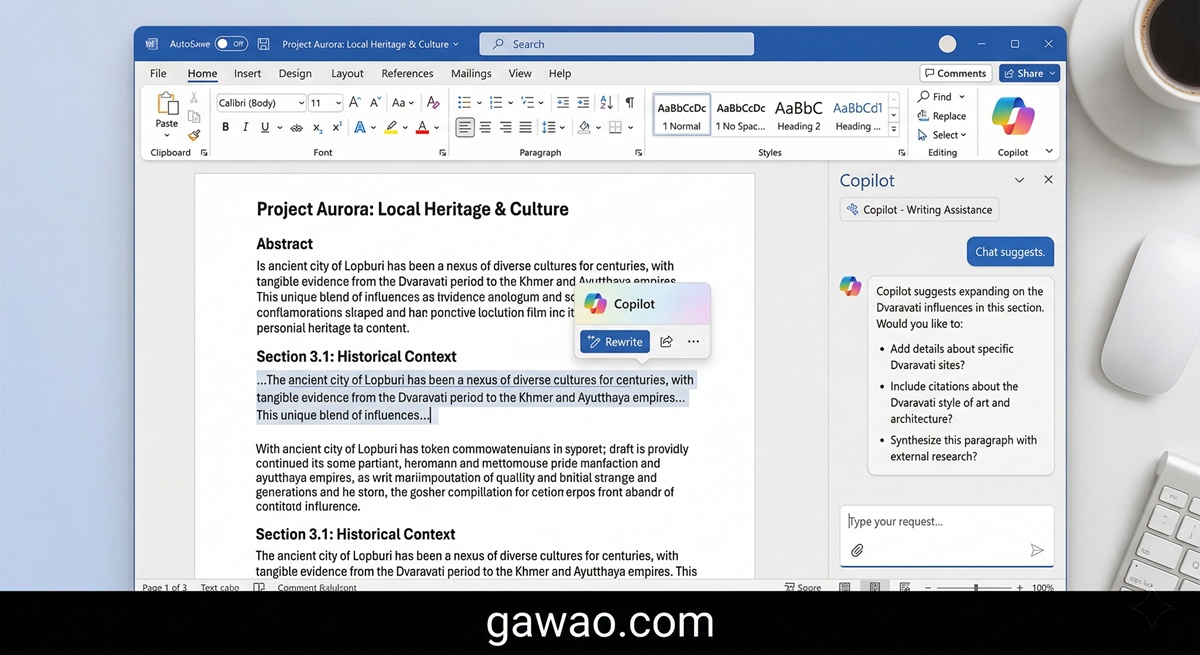
Copilot in Microsoft Word
- Draft with Copilot: Type a title and let Copilot write the entire document for you
- Summarize: Condense lengthy documents down to key points
- Rewrite: Reformat text in different tones (more formal, more casual, shorter, etc.)
- Ask Copilot: Ask questions about content within your document
Copilot in Microsoft Excel
- Analyze Data: Ask Copilot to find patterns and trends in your data
- Formula Suggestions: Get recommendations for formulas that match your data
- Create Charts: Generate graphs from text prompts like “Create a bar chart comparing monthly sales”
- Highlight Insights: Find interesting or unusual data points automatically
Copilot in Microsoft Teams
For workplace teams using Teams, Copilot offers valuable features:
- Meeting Summaries: After a meeting ends, Copilot automatically summarizes key points and action items
- Catch-Up Help: Joined a meeting late? Copilot summarizes what you missed
- Smart Search: Ask Copilot questions like “What did the team decide last week?”
💡 Note: Copilot in Teams requires a Microsoft 365 Copilot license (enterprise-level).
Copilot+ PC: The Hardware Angle
Late 2024, Microsoft started shipping new PCs with a Copilot+ badge, which means they have special AI chips that run AI features directly on your device without sending data to the cloud.
Key Copilot+ PC features:
- Recall: Records everything you’ve ever seen on your screen and lets you search your history (controversial for privacy reasons)
- Live Captions: Real-time translation and captioning while watching videos
- Cocreator (Paint): Draw and create images with AI assistance in Microsoft Paint
Is Copilot Pro Worth It?
| If You’re… | Recommendation |
|---|---|
| General user needing light AI help | Free Copilot is enough |
| Heavy Word/Excel user working daily | Copilot Pro ($20/month) is worth it |
| Enterprise team using Teams and Microsoft 365 | Microsoft 365 Copilot worth exploring |
| Not sure yet | Use free version first, then decide |
FAQ
Q: How is Copilot different from ChatGPT? A: Copilot uses the same OpenAI technology as ChatGPT, but it’s integrated directly into Microsoft apps. ChatGPT is a separate web application.
Q: Do I need a Microsoft account to use free Copilot? A: Yes, you need a Microsoft account (Hotmail, Outlook, or Live account), but creating one is free.
Q: Does Copilot work in non-English languages? A: Yes, you can ask in your language and receive responses in that language, including full support for non-Latin scripts.
Q: How does Copilot Pro compare to ChatGPT Plus? A: Both cost around $20/month. Copilot Pro is better if you work in Microsoft Office daily. ChatGPT Plus is better for standalone AI use across different applications.
Q: Can I use Copilot offline? A: Free Copilot requires an internet connection. Copilot+ PCs can run some features locally, but most require online access.
Q: Is my data safe with Copilot? A: Microsoft collects data to improve Copilot. You can adjust these settings in your Microsoft account privacy page, but some data retention is standard with cloud AI services.
References
- Microsoft Copilot Official
- Microsoft — What is Copilot Pro?
- The Verge — Microsoft Copilot Guide
- PCMag — Microsoft Copilot Review
Published on: gawao.com | Category: AI Tools | April 2026