



The AI Coding Landscape Has Completely Changed
Just three years ago, AI-assisted coding meant GitHub Copilot and ChatGPT. In 2026, the market has exploded with dozens of competitors, each fighting for dominance in different niches.
Over 70% of developers now use AI daily for coding, and a new trend called “Vibe Coding” lets even non-programmers build real applications using nothing but natural language prompts.
This guide breaks AI coding tools into 3 clear categories so you can find exactly what fits your needs.
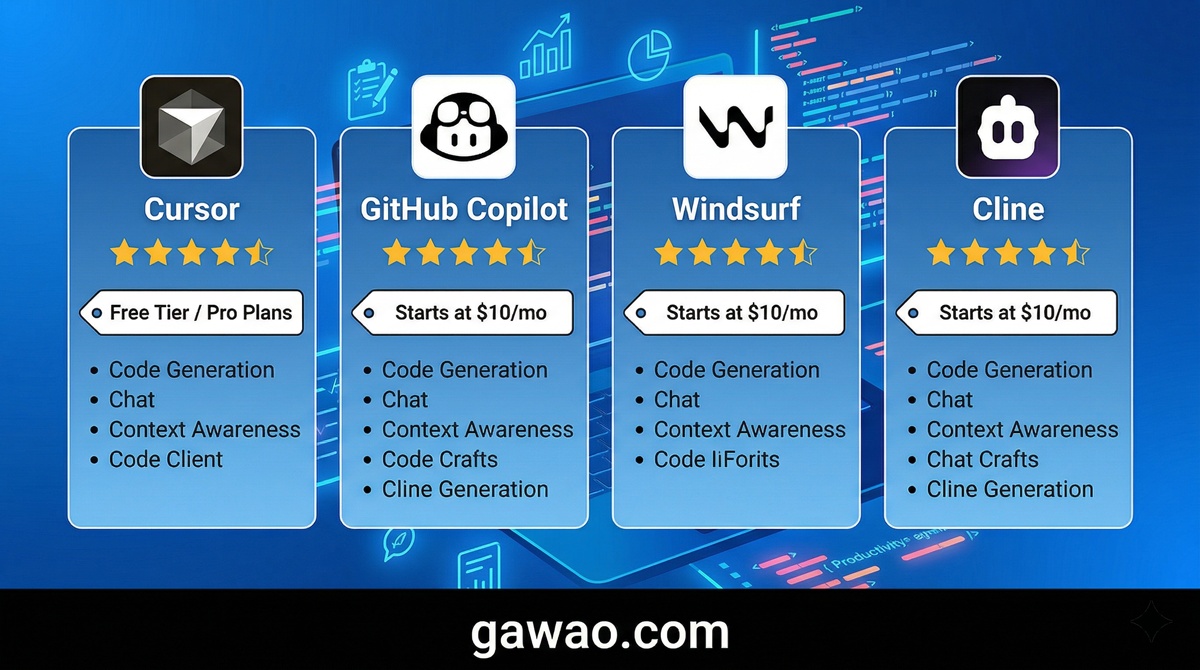
Category 1: AI IDEs — For Professional Developers
These tools are designed for developers who already know how to code and want AI to accelerate their workflow.
| Tool | Price | Best Feature | Best For |
|---|---|---|---|
| Cursor | $20/month | Best AI IDE experience, smooth UX | Developers wanting a full AI IDE |
| GitHub Copilot | $10/month | Cheapest, works in any IDE | General developers, large teams |
| Windsurf | $15/month | Best value, strong Agent | Developers focused on value |
| Cline | Free (pay API costs) | Choose any model, zero markup | Developers wanting full control |
Cursor — The #1 AI IDE on the Market
Cursor was built from the ground up with AI at its core — it’s not just an AI plugin bolted onto an existing editor. With over 360,000 paying users and more than $500M in annual recurring revenue, Cursor dominates the AI IDE category.
Why developers love Cursor:
- Supermaven autocomplete technology that’s noticeably faster than competitors
- Agent Mode that edits multiple files simultaneously
- Visual diffs that show exactly what AI changed before you accept
- The largest community and ecosystem of any AI IDE
What to watch out for:
- Heavy usage pushes real costs to $40-50/month due to separate Agent Mode credits
- Usage limits change periodically, making monthly costs unpredictable
GitHub Copilot — The Standard Choice That Works Everywhere
GitHub Copilot remains the most widely adopted AI coding tool in the world, with 15 million developers using it daily.
Key strengths:
- The cheapest entry point at $10/month with unlimited completions
- Works in VS Code, JetBrains, Neovim, and virtually every major IDE
- New Agent Mode with MCP (Model Context Protocol) support connects external tools
- Free tier available for students and open-source contributors
Limitations:
- Agent Mode is less powerful than Cursor’s or Windsurf’s
- Fewer customization options compared to alternatives
Windsurf — The Best Value in Agentic IDEs
Built by Codeium and acquired by Google in early 2025, Windsurf has matured into a serious Cursor competitor. Its Cascade Agent handles most everyday coding tasks as well as Cursor does — at a lower price.
Key strengths:
- At $15/month, it’s cheaper than Cursor with comparable agent capabilities
- Predictable pricing with no surprise credit charges
- Many developers frustrated with Cursor’s billing have switched to Windsurf
Limitations:
- Smaller community than Cursor
- Fewer plugins and extensions
Cline — Free, Open Source, and Fully Customizable
Cline is a VS Code extension that lets you bring your own AI model from any provider — with zero markup on top of provider rates. It has been downloaded more than 5 million times.
Key strengths:
- No subscription fee — pay only direct API costs to your chosen provider
- Choose any model: Claude Sonnet, GPT-4o, or even locally hosted models
- Split tasks across different model roles (one for planning, another for coding)
- Complete transparency and cost control
Limitations:
- Requires manual API key setup — not beginner-friendly
- No polished GUI like Cursor
Category 2: AI Terminal Agents — For Heavy Lifting
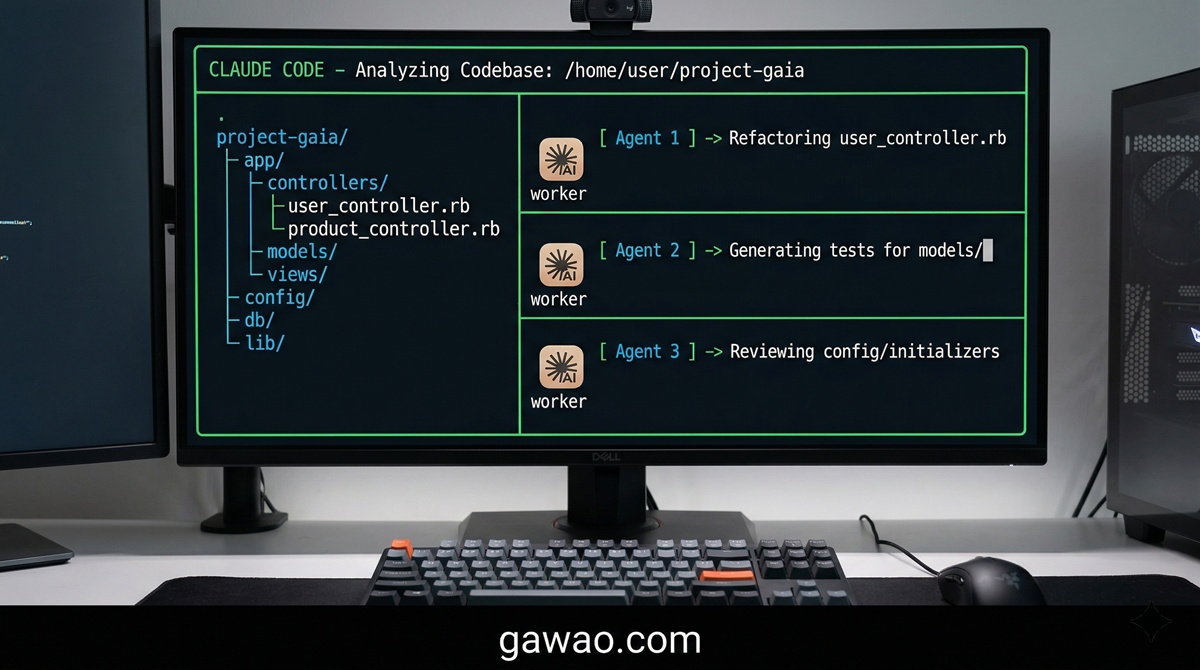
These tools operate through the terminal/command line and excel at large codebase analysis, cross-file refactoring, and automation tasks.
| Tool | Price | Best Feature | Best For |
|---|---|---|---|
| Claude Code | $20/month (API usage-based) | Best codebase understanding | Senior devs, complex refactors |
| OpenAI Codex CLI | API usage-based | Automated CLI workflows | Automation, scripting |
Claude Code — The AI That Understands Your Entire Codebase
Claude Code scores 80.8% on SWE-bench — the highest score among all AI coding tools — and supports a context window of up to 1 million tokens.
Why Claude Code leads in reasoning:
- Analyzes codebases with 30,000+ lines of code
- Refactors across hundreds of files simultaneously
- Agent Teams feature splits work across multiple AI instances running in parallel
- Deeper Git integration than any competitor
What to watch out for:
- Terminal-only interface — no polished GUI like Cursor
- Heavy usage costs can reach $100-200/month
- Better suited for senior developers than beginners
Category 3: AI App Builders — Code Without Coding
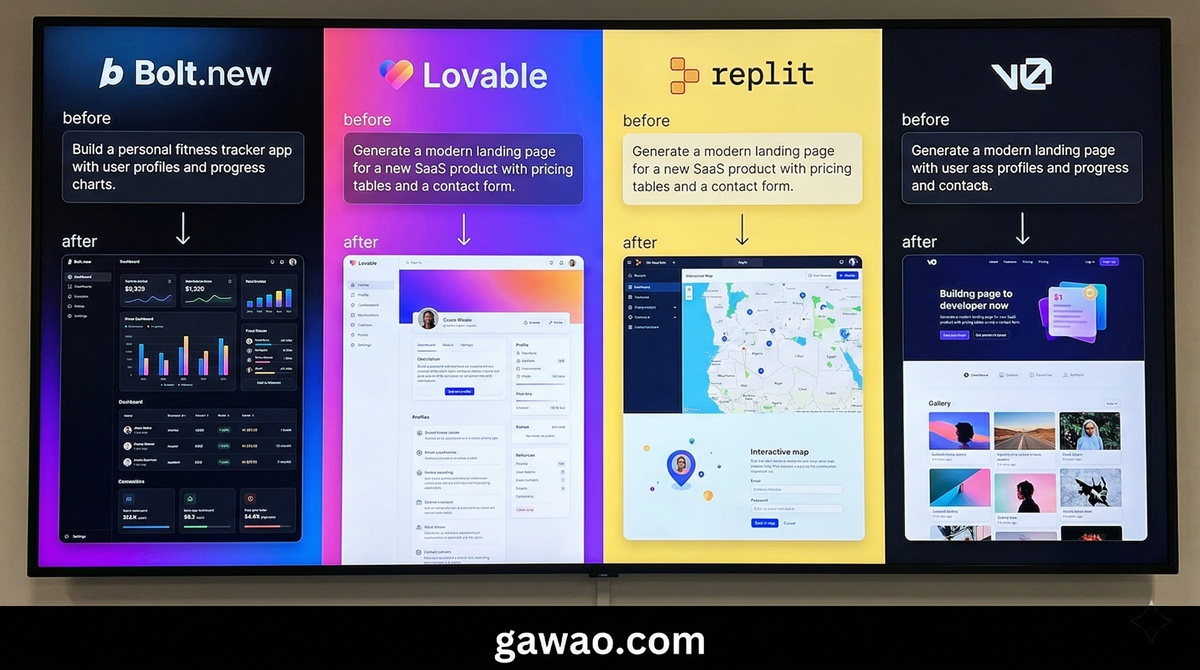
These tools let you build web apps, prototypes, and MVPs using natural language — no coding experience required. This trend is known as “Vibe Coding.”
| Tool | Price | Best Feature | Best For |
|---|---|---|---|
| Bolt.new | Free/Paid | Fastest prompt-to-preview | Rapid prototyping |
| Lovable | Free/Paid | Most beautiful UI output | Startup MVPs, Non-coders |
| Replit Agent | Free/Paid | Full cloud IDE + deployment | One-stop build and deploy |
| v0 (Vercel) | Free/Paid | Beautiful Next.js components | Front-end developers |
Bolt.new — From Idea to Preview in Seconds
Bolt.new is the speed king of the Vibe Coding category. Type what you want, and Bolt generates a working preview almost instantly.
Key strengths:
- The fastest prompt-to-preview speed in the category
- Supports multiple frameworks including React, Vue, and Svelte
- Direct code editing in the browser with zero setup
Lovable — Build Beautiful Apps Without Writing a Line of Code
Lovable hit $100M in annual revenue within just 8 months — potentially the fastest-growing startup in history. Its key advantage is producing genuinely production-quality user interfaces.
Why Lovable stands out:
- Automatically generates beautiful, production-ready UIs
- Structured planning stage before code generation helps beginners avoid mistakes
- Supabase integration for backend logic — build real MVPs, not just mockups
Replit Agent — Build and Deploy in One Place
Replit differs from other app builders by providing a full cloud IDE behind the scenes. You can deploy your app immediately without configuring servers. Replit’s revenue jumped from $10M to $100M in just 9 months after launching their Agent feature.
Complete Comparison Table
| Criteria | Cursor | Copilot | Windsurf | Cline | Claude Code | Bolt.new | Lovable |
|---|---|---|---|---|---|---|---|
| Starting Price | $20/mo | $10/mo | $15/mo | Free | $20/mo | Free | Free |
| Coding Required | Yes | Yes | Yes | Yes | Yes | No | No |
| Autocomplete | Excellent | Good | Good | Good | None | None | None |
| Agent Mode | Excellent | Moderate | Good | Good | Best | Excellent | Excellent |
| Large Codebase | Good | Moderate | Good | Good | Best | Not suited | Not suited |
| Beginner Friendly | Moderate | Good | Moderate | Hard | Hard | Very Easy | Easiest |
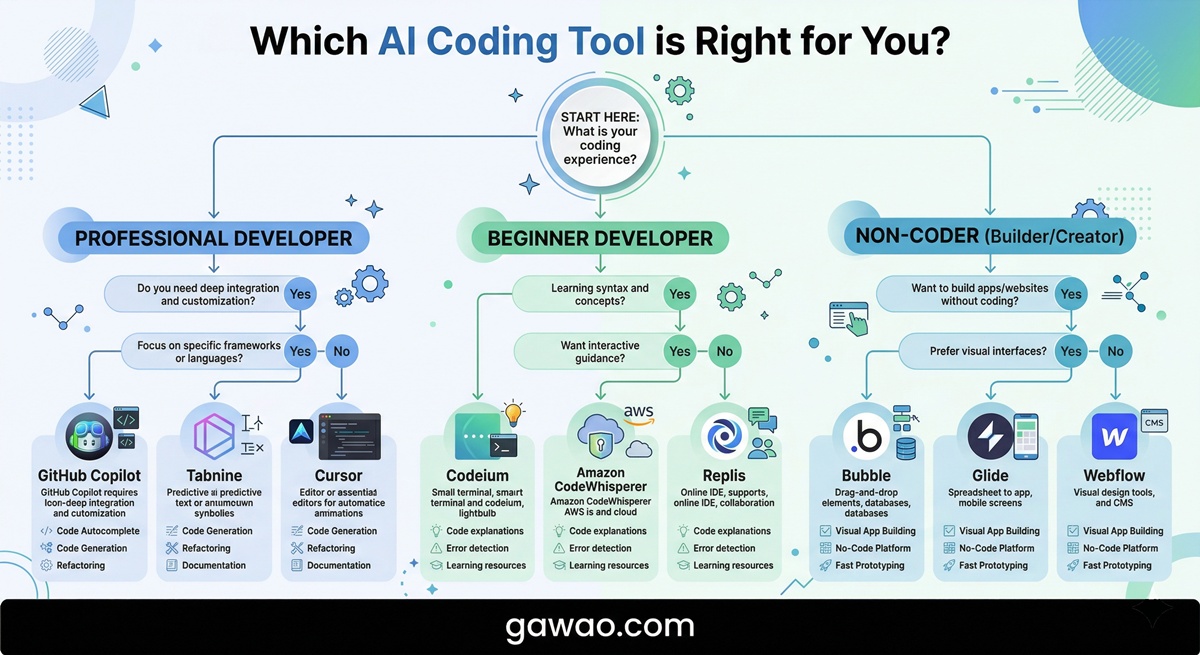
Recommendations: Which One Should You Choose?
Professional Developers
Start with GitHub Copilot ($10/month) for daily autocomplete. Add Cursor or Windsurf when you need multi-file agent editing. Use Claude Code for complex tasks requiring whole-codebase refactoring.
Beginner Developers
Start with GitHub Copilot — it’s affordable and easy to learn. Add Cursor if you want a more immersive AI coding experience.
Non-Coders
Start with Lovable or Bolt.new to build apps from prompts without writing a single line of code. Use Replit Agent if you need to deploy and host your app.
Budget-Conscious Users
Use Cline (free + API costs) or GitHub Copilot ($10/month) for the best value.
Sample Prompts to Try with AI Coding Tools
Prompt for building an app from scratch (use with Bolt.new / Lovable):
Build a Todo List web app with these features:
1. Add/delete/edit tasks
2. Filter by status (All, Completed, Pending)
3. Store data in LocalStorage
4. Beautiful UI with Dark Theme
Use React + Tailwind CSS
Prompt for refactoring code (use with Claude Code / Cursor):
Analyze this codebase and recommend:
1. Areas with code duplication that should be refactored
2. Performance bottlenecks
3. Missing error handling
Prioritize from most to least critical
FAQ
Q: Do I need to use multiple AI coding tools at once? A: Most developers in 2026 use at least two — for example, Copilot for daily autocomplete plus Claude Code or Cursor for complex tasks.
Q: Will AI replace programmers? A: Not soon. AI dramatically increases productivity, but system design, architectural decisions, and business logic still require human judgment. However, developers who use AI will have a significant advantage over those who don’t.
Q: Who owns the code that AI generates? A: Code generated by AI can be used in personal and commercial projects. However, you should verify that the AI hasn’t reproduced code from open-source projects with restrictive licenses.
Q: Can Vibe Coding tools build real production apps? A: For MVPs, prototypes, and small apps — absolutely. Lovable and Replit have examples of real startups shipping products built entirely with these tools. For large-scale systems, you still need developers who understand architecture.
The Bottom Line
The AI coding tool market in 2026 is intensely competitive, and no single tool is the best for everyone. Your choice depends on your skill level, the type of work you do, and your budget. What’s certain is that learning to use AI for coding is no longer optional — it’s an essential skill for anyone in tech.
References
- NxCode — Best AI for Coding in 2026
- TLDL — AI Coding Tools Compared 2026
- Faros AI — Best AI Coding Agents 2026
- Seedium — AI Coding Assistants Comparison 2026
- GitHub Copilot
- Cursor AI
- Windsurf
- Claude Code — Anthropic
Published on: gawao.com | Category: AI Tools, Development, IT How-To | May 2026